
Step 1
Download & unzip
Grab the ZIP, extract it to a folder, then launch AutoKey Premium.
AutoKey Premium helps you repeat keys on Windows without accounts or hidden setup. Create profiles, choose timing modes, and keep a stop hotkey ready whenever you need it.
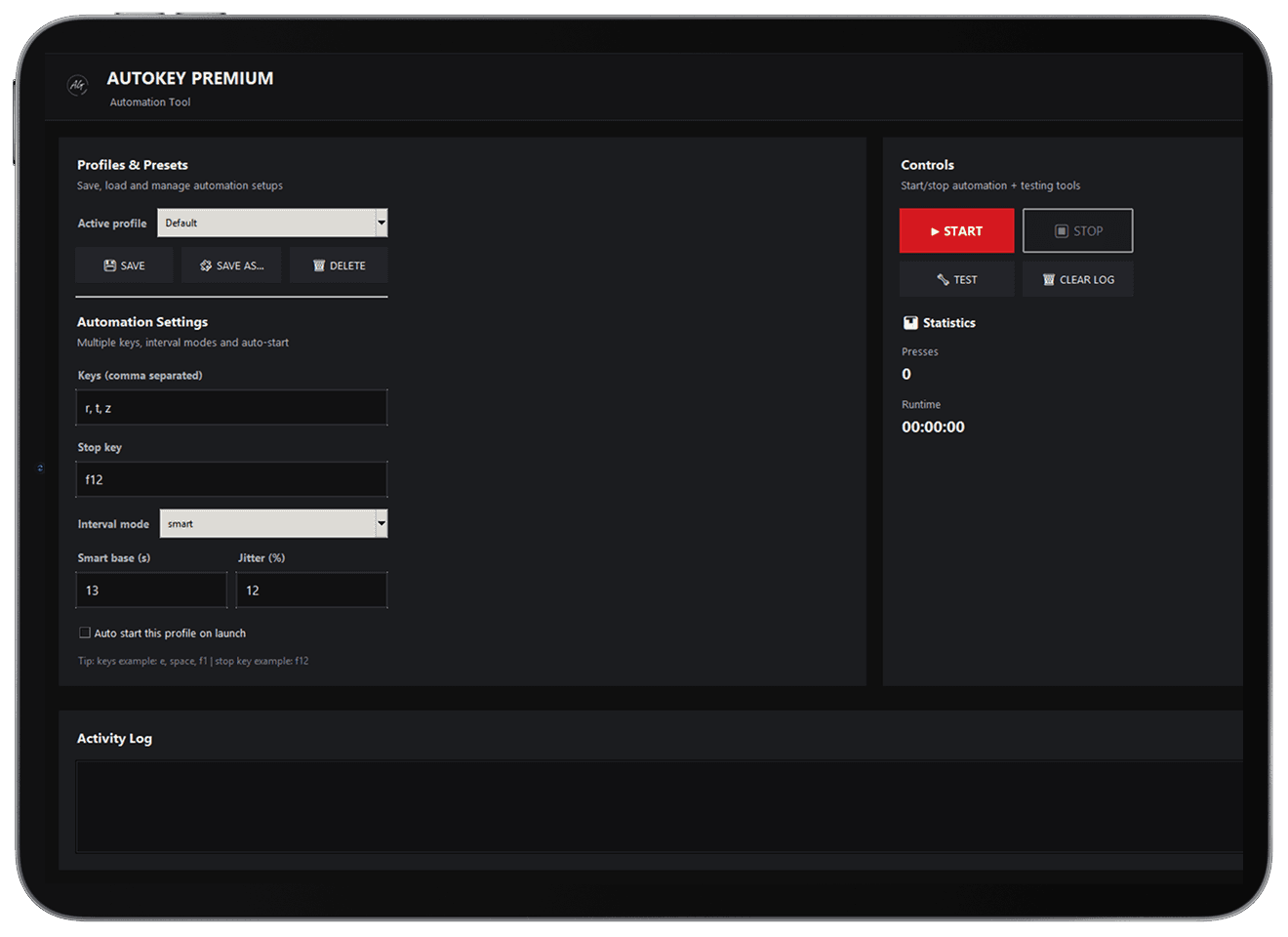
Everything you need for key automation — designed to stay simple.
Store your preferred setup once and load it again in seconds.
Automate one key or a short key sequence depending on your workflow.
Use a steady interval or add timing variation with random / smart modes.
Keep a dedicated stop key ready so you can cancel immediately.
See what the app is doing with clear log entries and status feedback.
No accounts required. Start fast. Use Administrator mode when needed.
WINDOWS APP PREVIEW
The interface keeps the essentials upfront so you can confirm your keys, timing mode and stop hotkey before you start.
Config overview
Quickly check keys, timing and the selected profile before you start.
One-click control
Start and stop without digging through menus or hidden options.
Clear activity log
Transparent feedback so you always know what actions were executed.
No account required
Download, run, configure — nothing to sign up for.
A fast setup flow — download, configure, run.
Grab the ZIP, extract it to a folder, then launch AutoKey Premium.
Start from a preset/profile so you don’t configure everything from scratch.
Tweak keys and timing behavior until it matches your workflow.
Start automation and keep your stop hotkey ready for instant cancel.
Short answers about free usage, offline running and compatibility.
Yes. It’s free to download and run on Windows. Donations are optional.
No. There are no ads, banners, upsells or in-app popups.
No. It works locally — download, unzip and run.
Only for downloading the ZIP. After that, it can run offline.
Yes. Set a stop hotkey (example: F12) to cancel automation instantly.
Fixed uses a steady interval. Random/smart can add small variation to avoid perfectly uniform timing.
It works in many desktop apps. Some protected apps may require Administrator mode.
Use responsibly. Some games/services prohibit automation — always check their rules/terms.